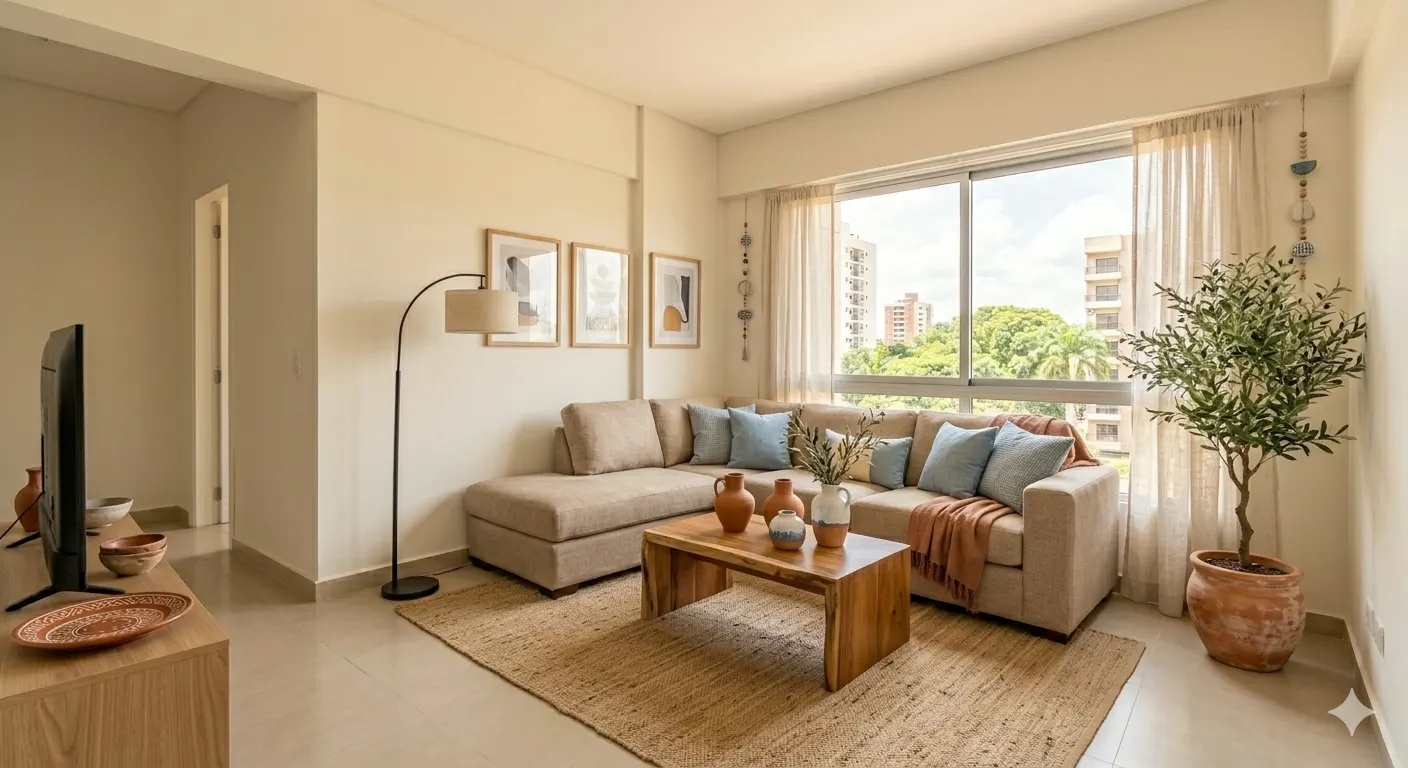
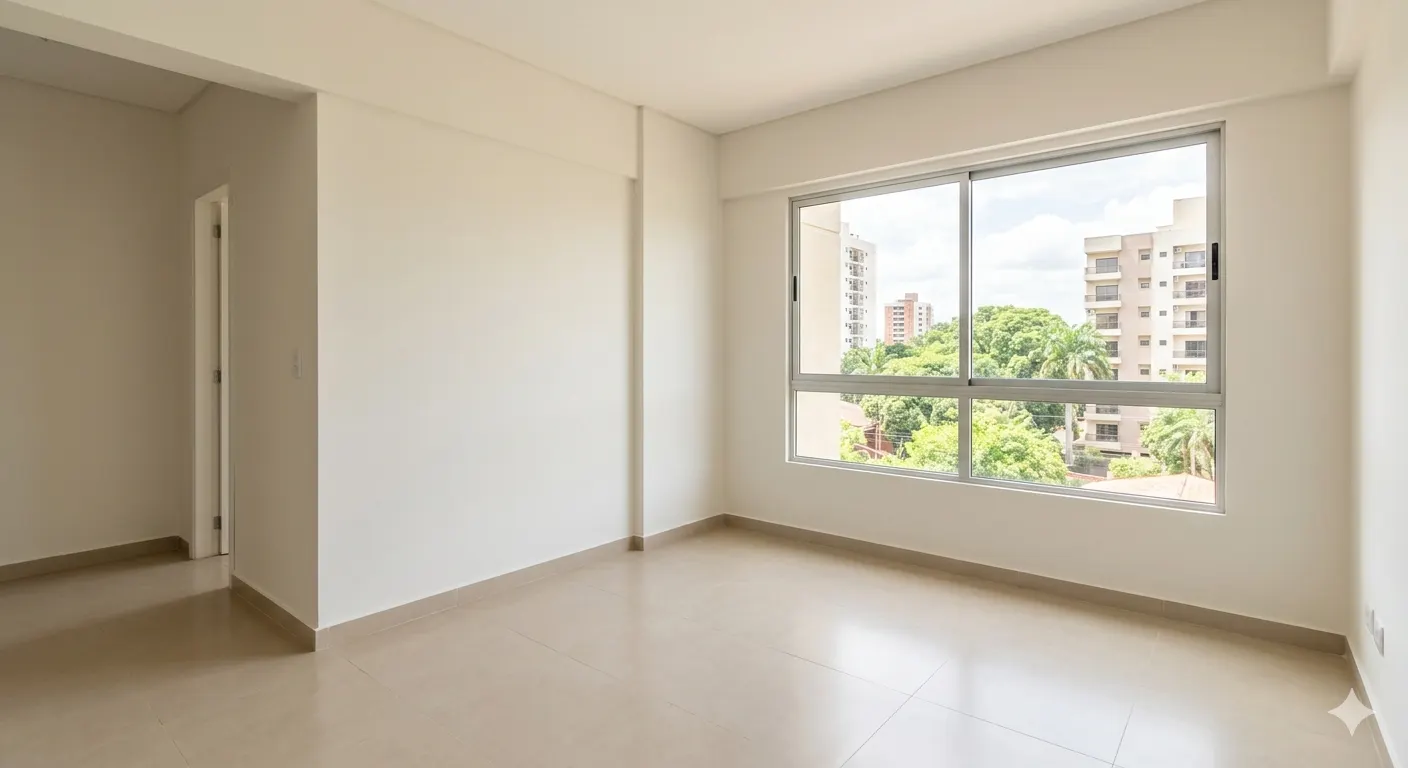
More than a pretty photo
They picture themselves living there
An empty room looks small and cold. Staged, buyers understand the space and stop scrolling past the listing.
Without moving a single piece of furniture
No photographer, no rented furniture, no scheduling with the owner: the photo you took with your phone is enough.
The property, in one link
Photos with the before and after, price, location and your details, on a page that opens on any phone.
How it works
Request access
We create your account and let you know.
Upload a photo
Straighten or crop it if needed, then choose the room and the style.
Get it staged
In under a minute: compare it with the original and download it for the listing.
Share it
Add the property with the price, location and your logo, and send it by link or QR code.
Three styles
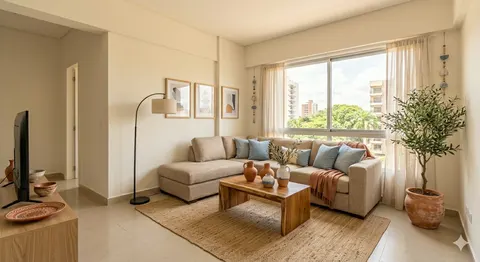
Mediterranean
Light woods, natural fibers
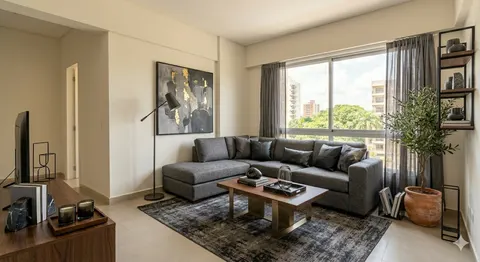
Manhattan
Leather, metal, walnut
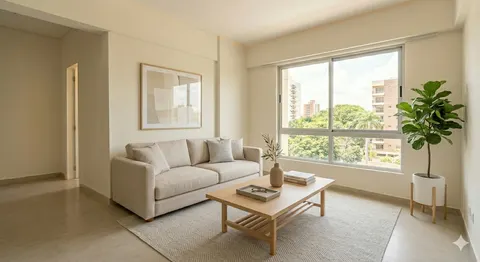
Minimalist
Clean lines, neutral tones
Frequently asked questions
Does anything about the property change?
No. Walls, floors, windows and doors stay as they are; only furniture and decor are added.
What photos can I upload?
Photos of empty rooms in JPG, PNG, WebP or AVIF, up to 20 MB.
Do the free photos have a watermark?
Yes. Photos you make with purchased credits come out without a watermark, with a small “Virtually staged” label you can turn off.
Can I crop or straighten the photo?
Yes. Before staging it you can rotate it, straighten it and choose the aspect ratio, such as 4:3 or square; the result keeps that framing.
What does my client see when they open the link?
A page with your logo, the photos with a before and after to slide, the price, the location and your details to get in touch. It opens on any phone, with no account and nothing to install.
What if I don’t like the result?
Ask for another version of the same photo. On purchased photos, the first new version is free.
What do I get by buying photos?
More photos, without a watermark, and one free new version of each. Properties, the gallery, your logo and marks on the photo come with the free account.
How do I keep going once the free photos run out?
You buy more photos in the app. From the United States, you pay with Zelle; from Paraguay, by bank transfer or QR in guaraníes. Paying from another country? Write to us through Contact.
Try it with your next property
We’re in beta. Write to us and we’ll create your account.
Request access